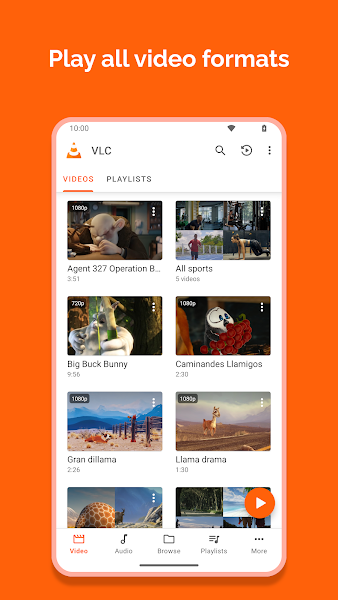
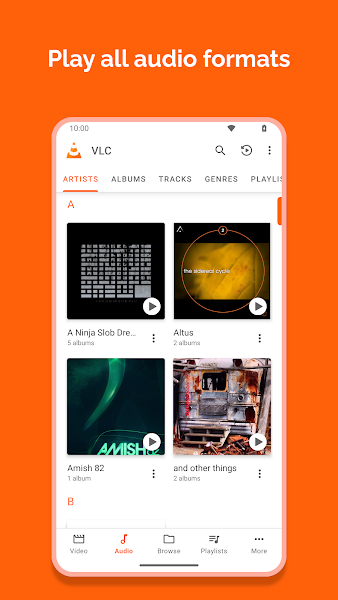
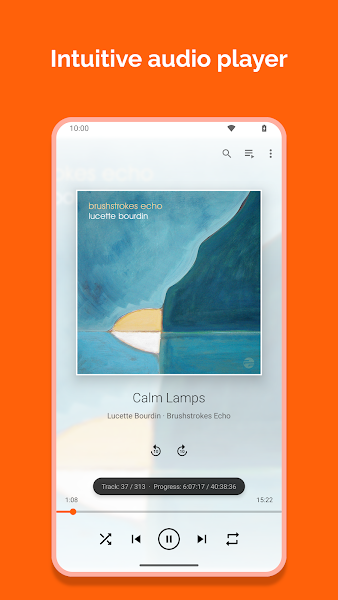
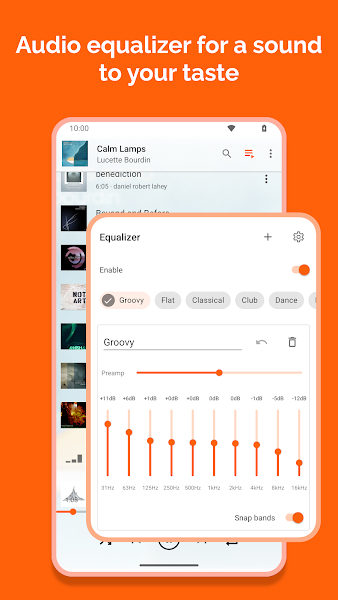
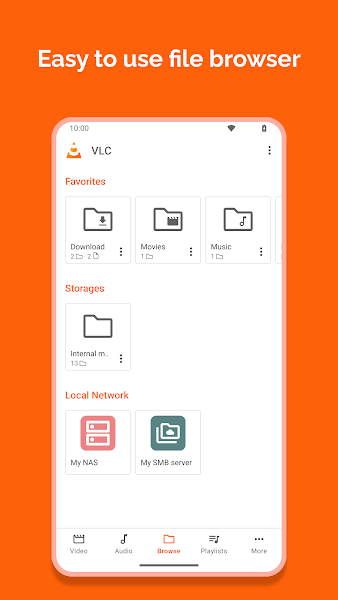
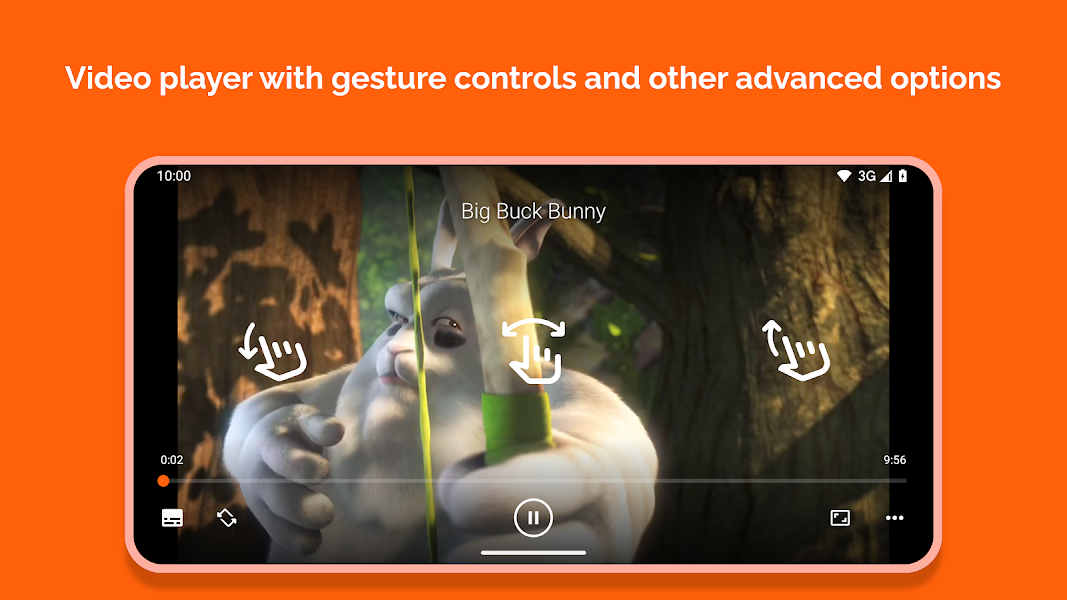
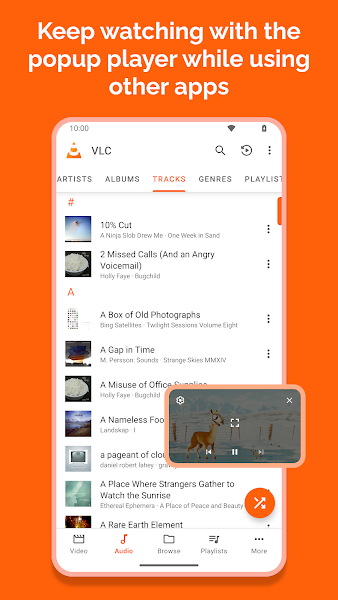
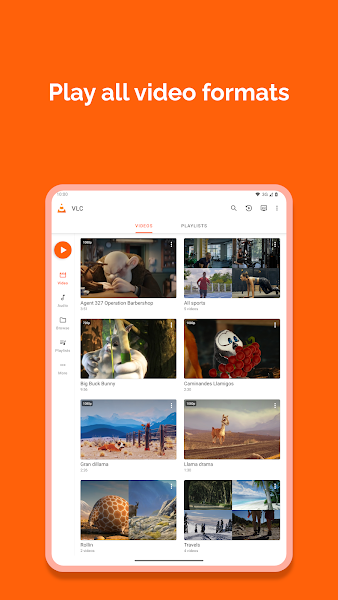
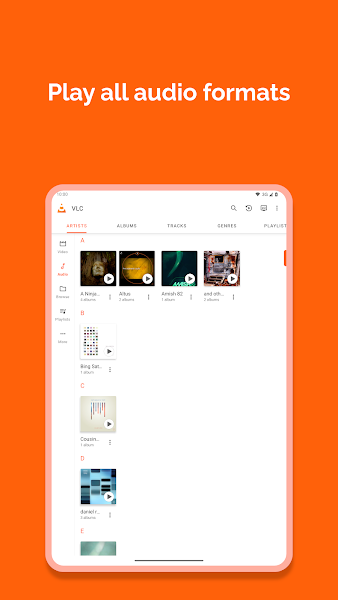
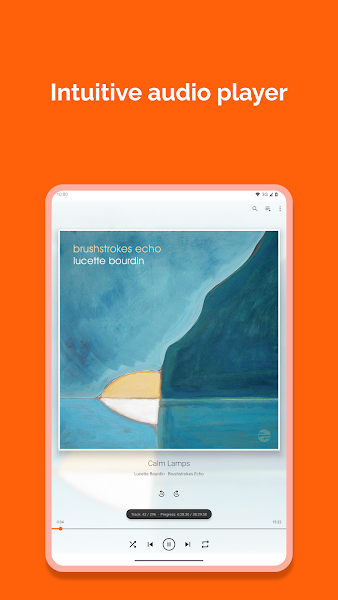
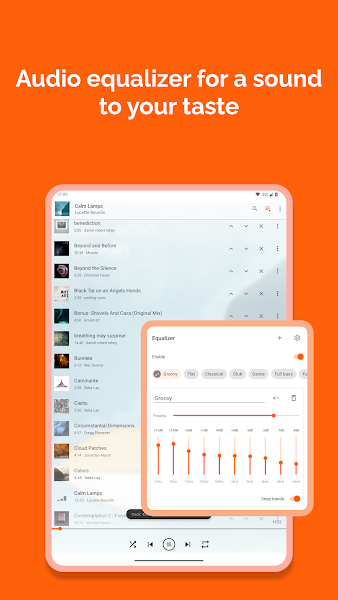
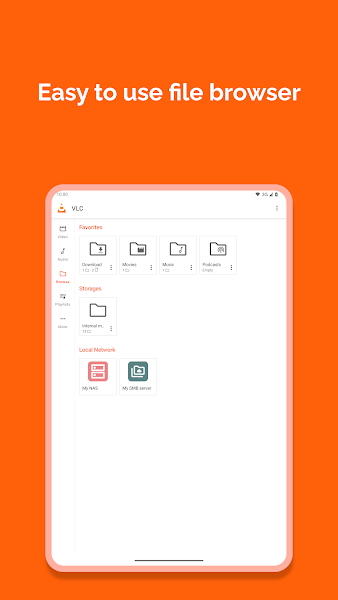
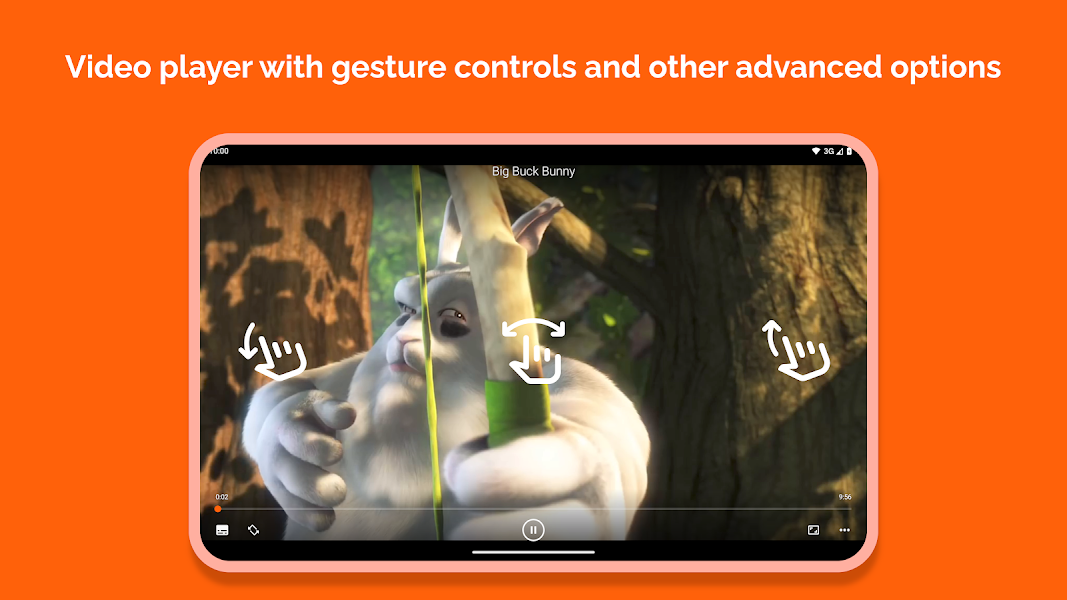
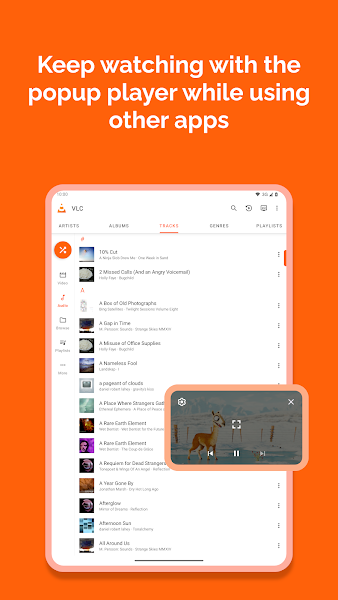
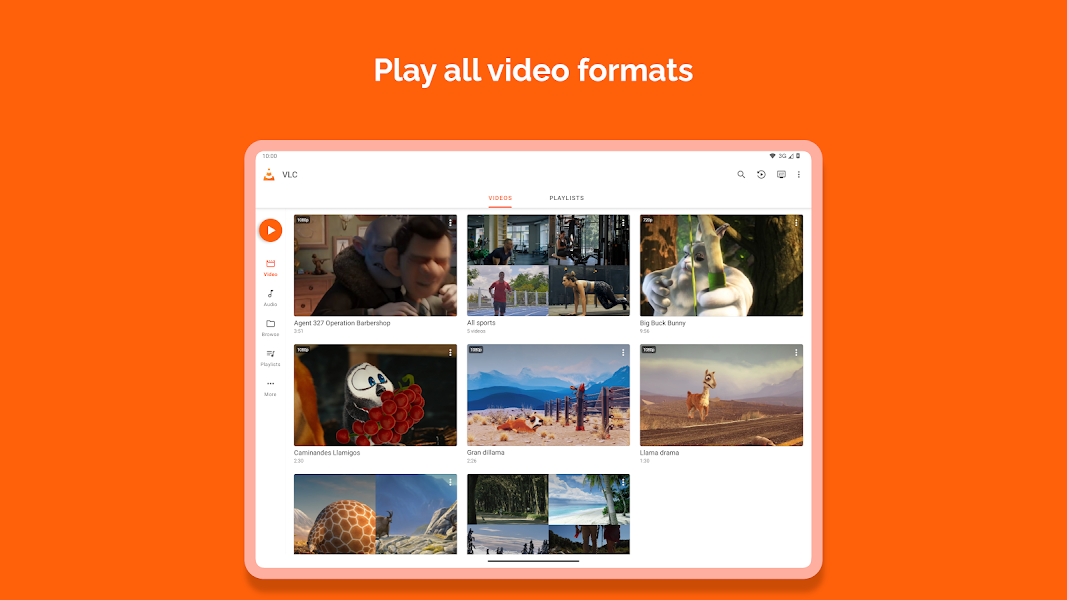
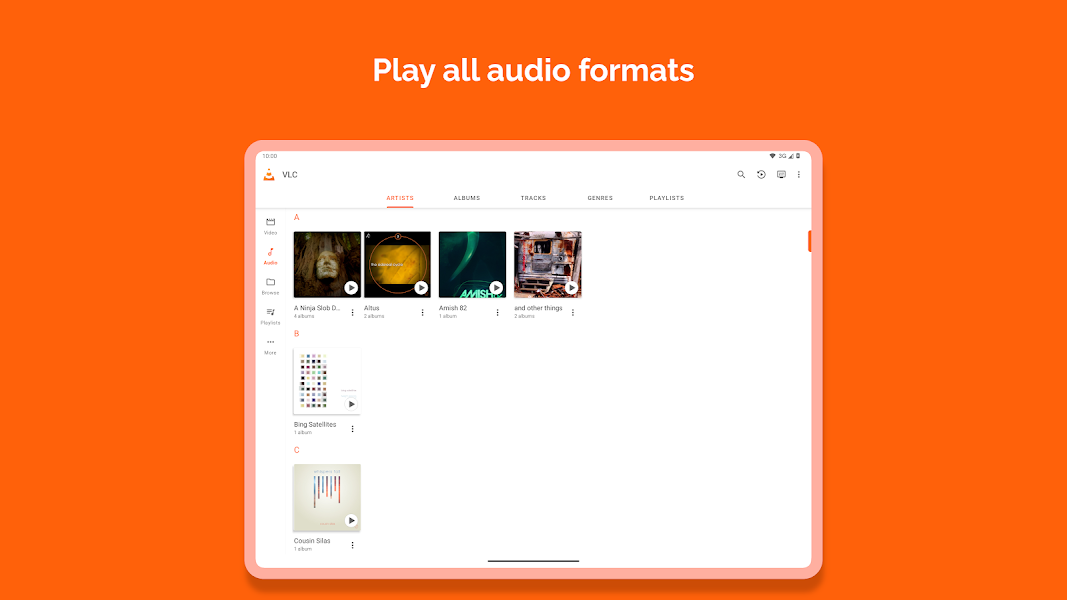
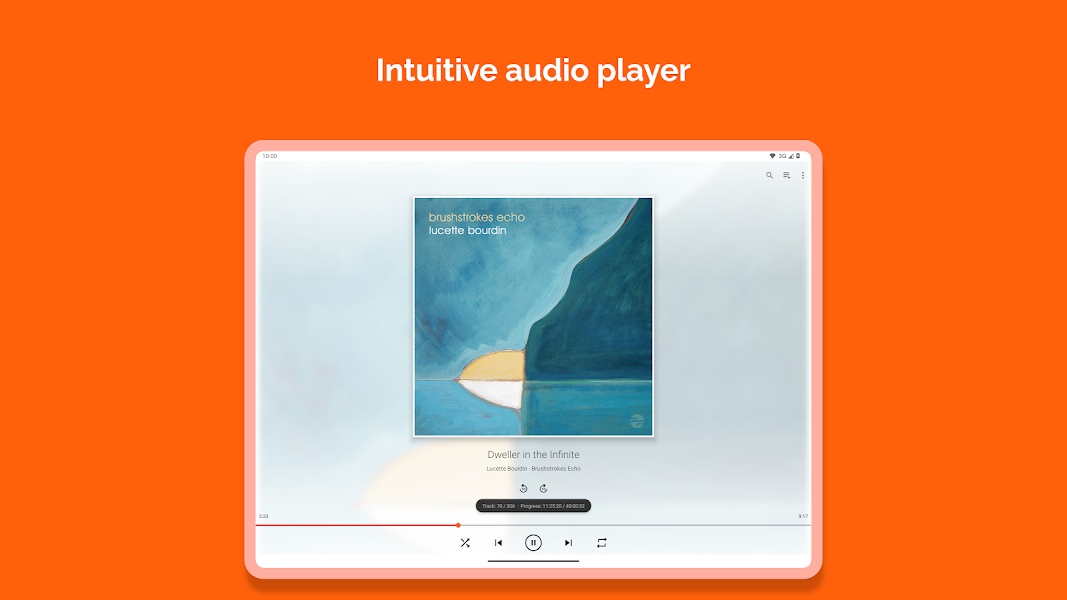
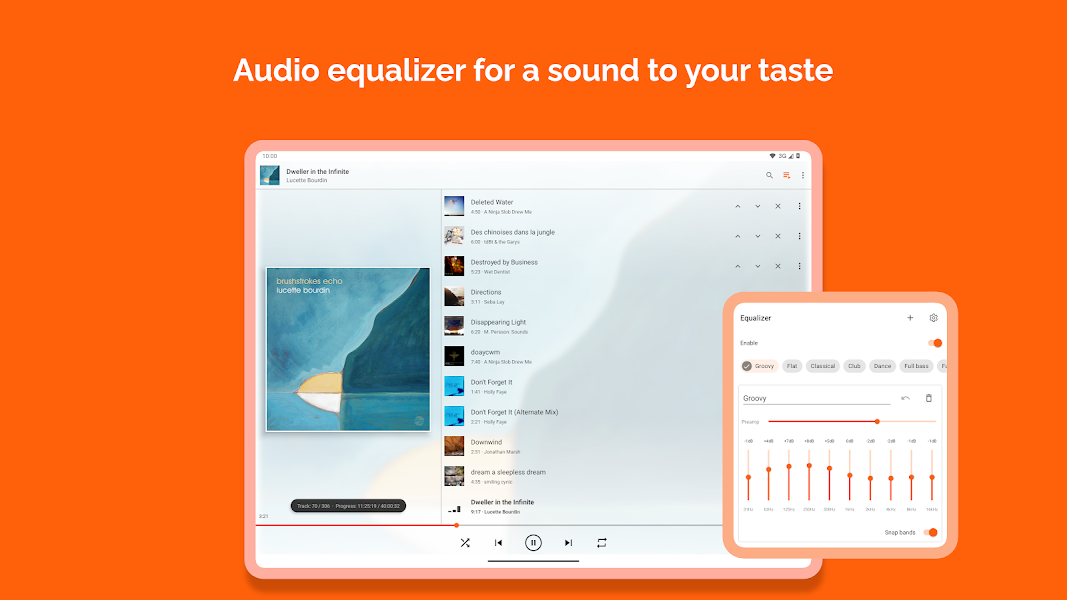
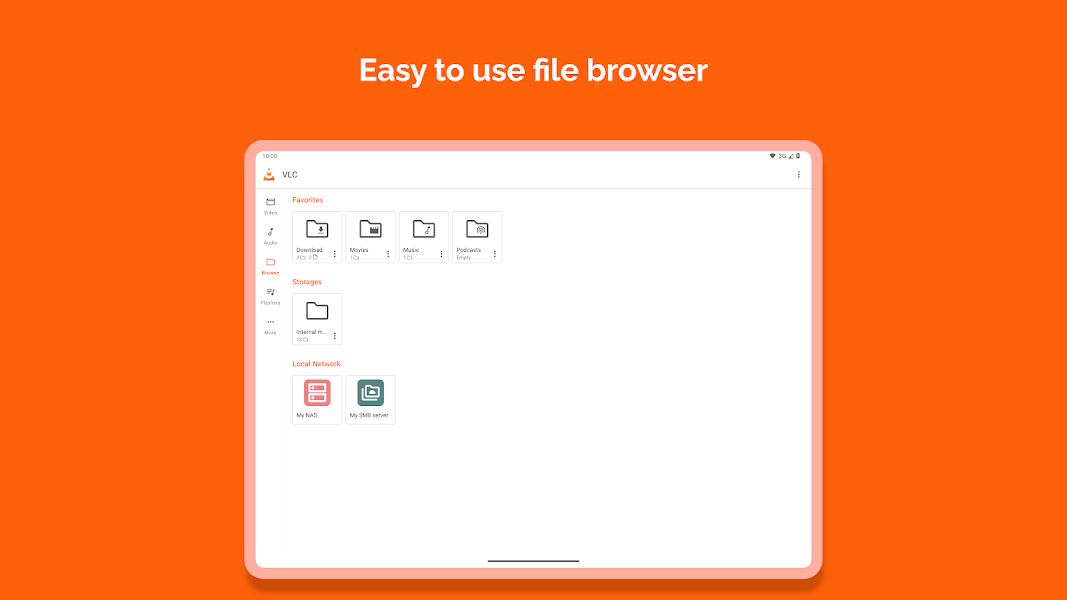
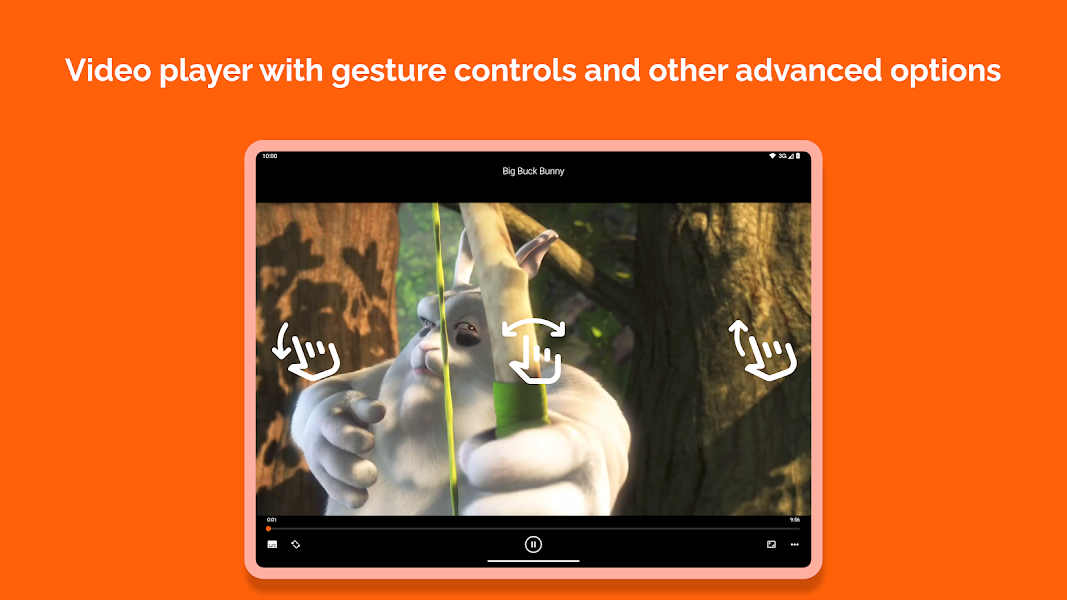
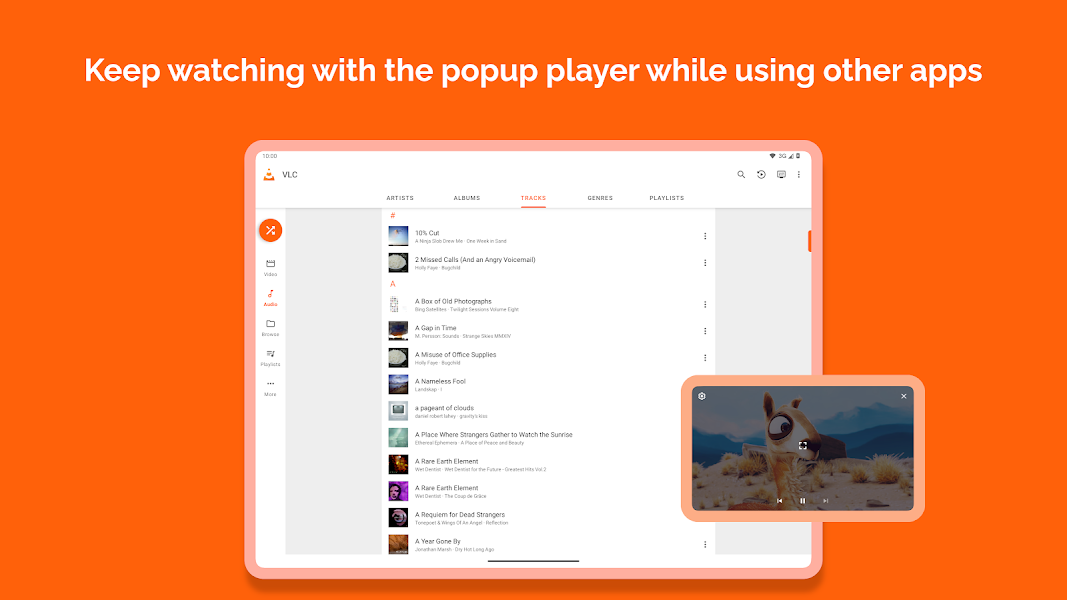
VLC for Android is the best open source video and music player, fast and easy!
2M reviews
Total installs
Oct 14, 2026
in Video Players & Editors
Content advisory
No in-app purchases
Declared in the app's AndroidManifest. 16 permissions in total.
These need your approval on the phone. You can review or revoke each one in Android Settings > Apps > Permissions.
Record audio
Modify or delete the contents of your USB storage · read the contents of your USB storage
Read sensitive log data · change network connectivity · change your audio settings · control vibration · draw over other apps · full network access · modify system settings · pair with Bluetooth devices · prevent device from sleeping · run at startup · view network connections
Dynamic, verified answers generated from Google Play metadata & hardware specs
VLC for Android is 100% free to download and use from Google Play. It contains no advertisements, and there are no in-app purchases or paywalled features.
VLC for Android requires Android 5.0 or higher. For smooth, stutter-free performance, devices with at least 3GB of RAM are recommended. It is compatible with certified Android smartphones, foldables, and tablets with Google Play Services.